Turn Google Forms into a Secure Online Assessment Platform
With the Eye Google Forms Add-on, transform any quiz into an AI-proctored assessment in minutes. No coding. No migration. Just install, configure, and share.
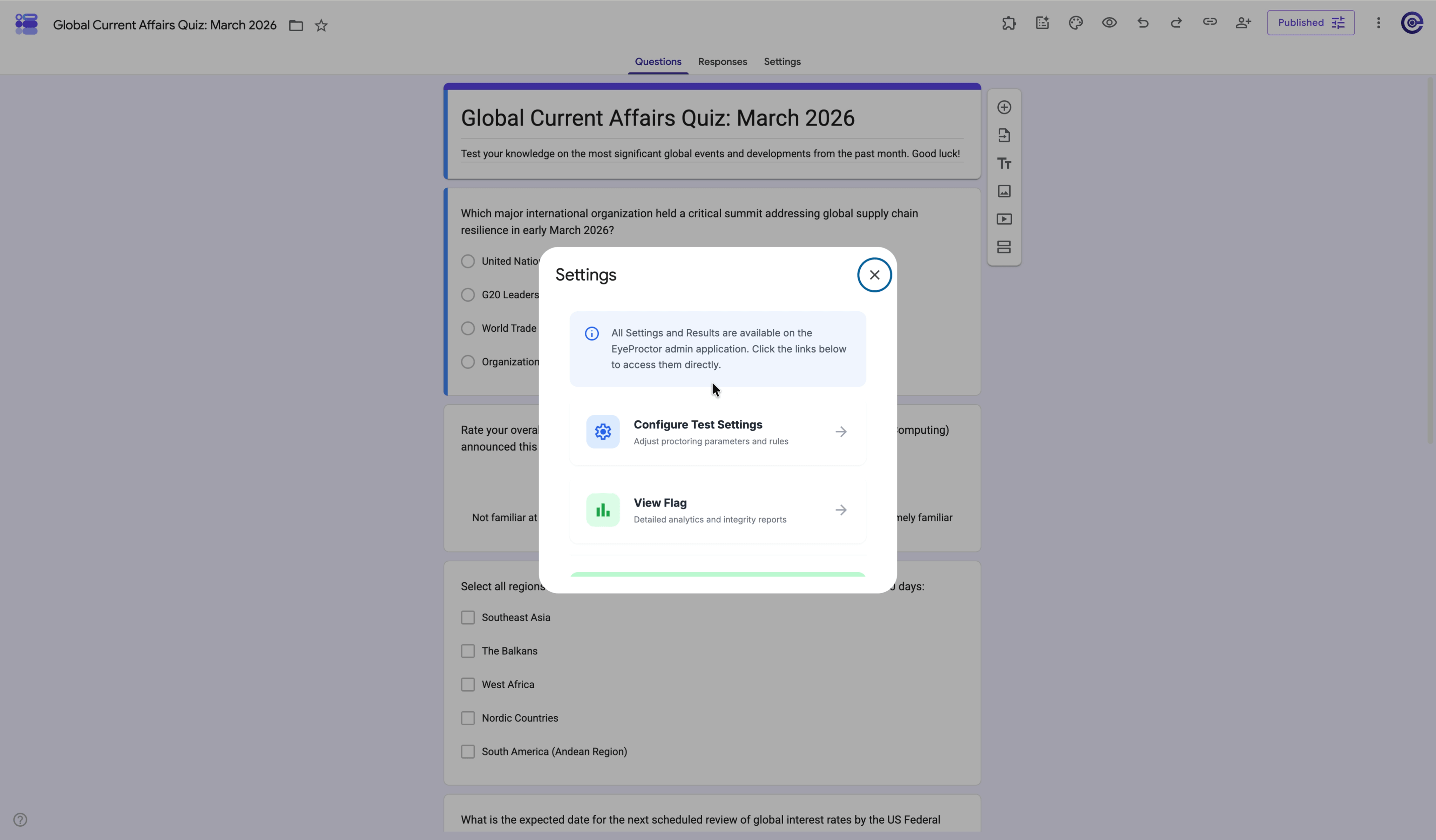
The simplest way to add proctoring to your existing workflow
Eye enhances Google Forms with AI-powered security — no migration, no new tools, no friction.
Eye enhances — not replaces — Google Forms
You continue creating quizzes inside Google Forms while Eye provides AI-powered monitoring, assessment management, and review tools to help you conduct secure online examinations.
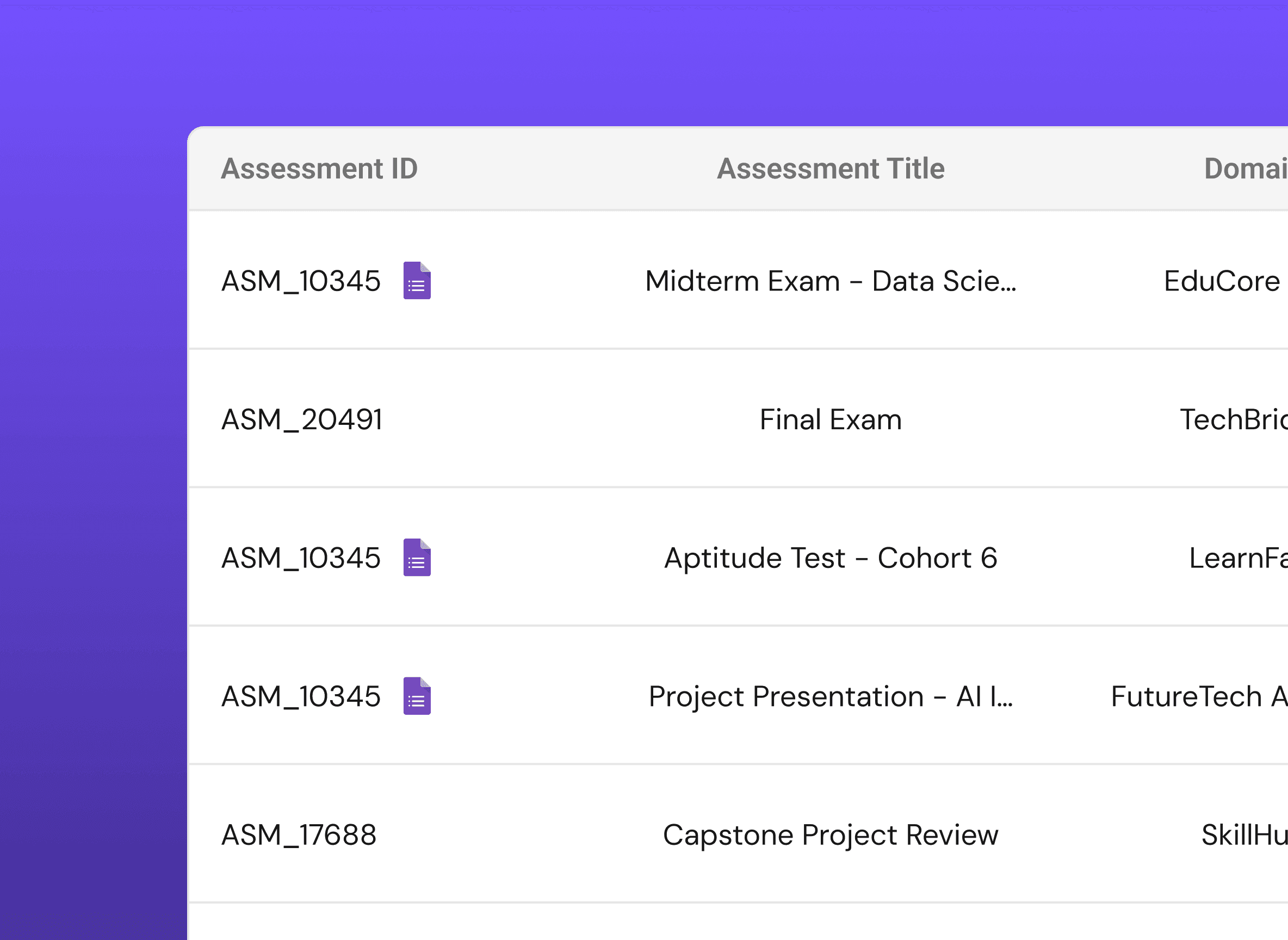
Familiar Interface
Continue using Google Forms exactly as you do today. No new tools to learn.
AI-Powered Security
Event-driven monitoring catches suspicious behaviour without invasive surveillance.
Privacy First
No continuous recording. Only meaningful events are flagged for review.
What Eye Adds to Google Forms
AI-Powered Exam Monitoring
Intelligent event-based proctoring identifies suspicious behaviours — only meaningful events, no continuous surveillance.
Easy Integration
Install from Google Workspace Marketplace. No coding, no migration.

Privacy-First Proctoring
No continuous recording. Only essential data is captured to protect candidate privacy.
Flexible Assessment Experience
Classroom quizzes, certifications, recruitment tests, or employee evaluations — Eye adapts to your workflow while maintaining the simplicity of Google Forms.
Getting started
How It Works
Five steps from an ordinary Google Form to a secure, AI-proctored assessment.
Create Your Assessment
Create your quiz using Google Forms just as you normally would.
Add questions, configure responses, assign correct answers, and publish your assessment.
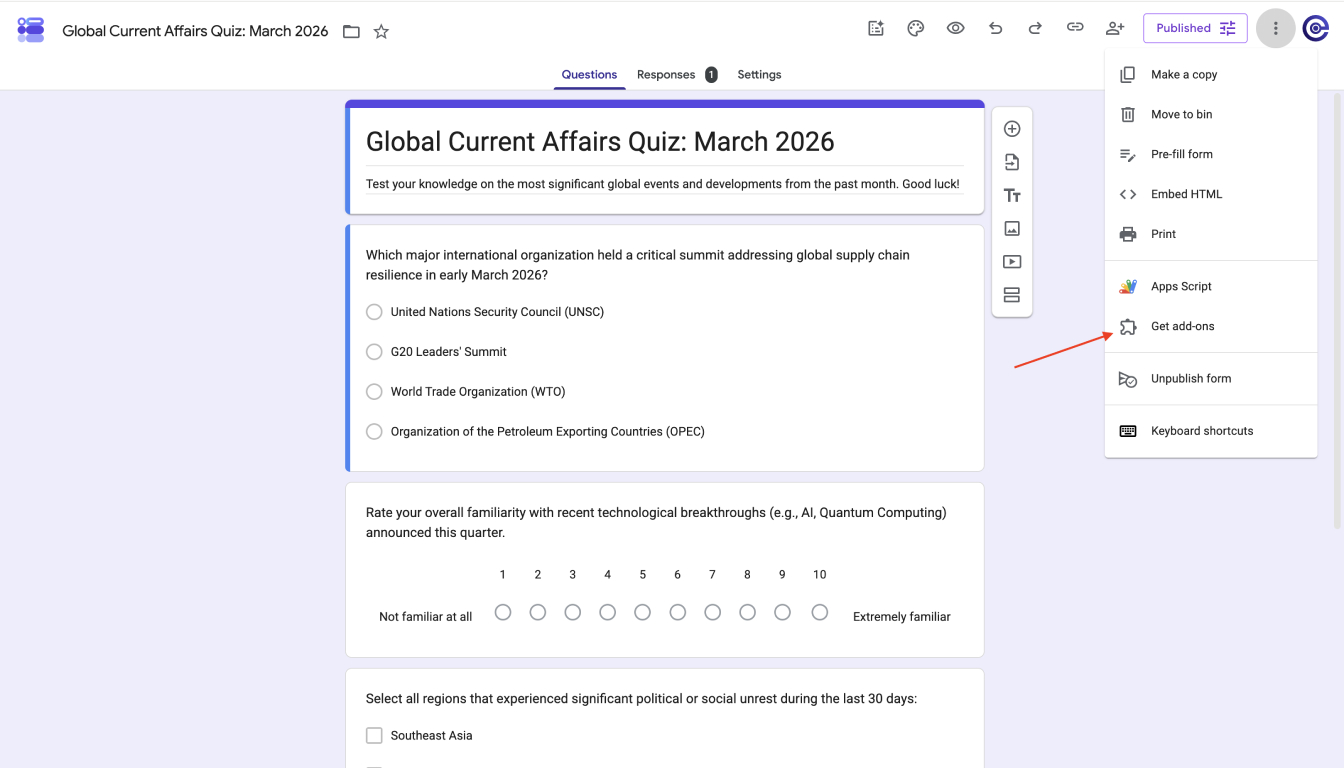
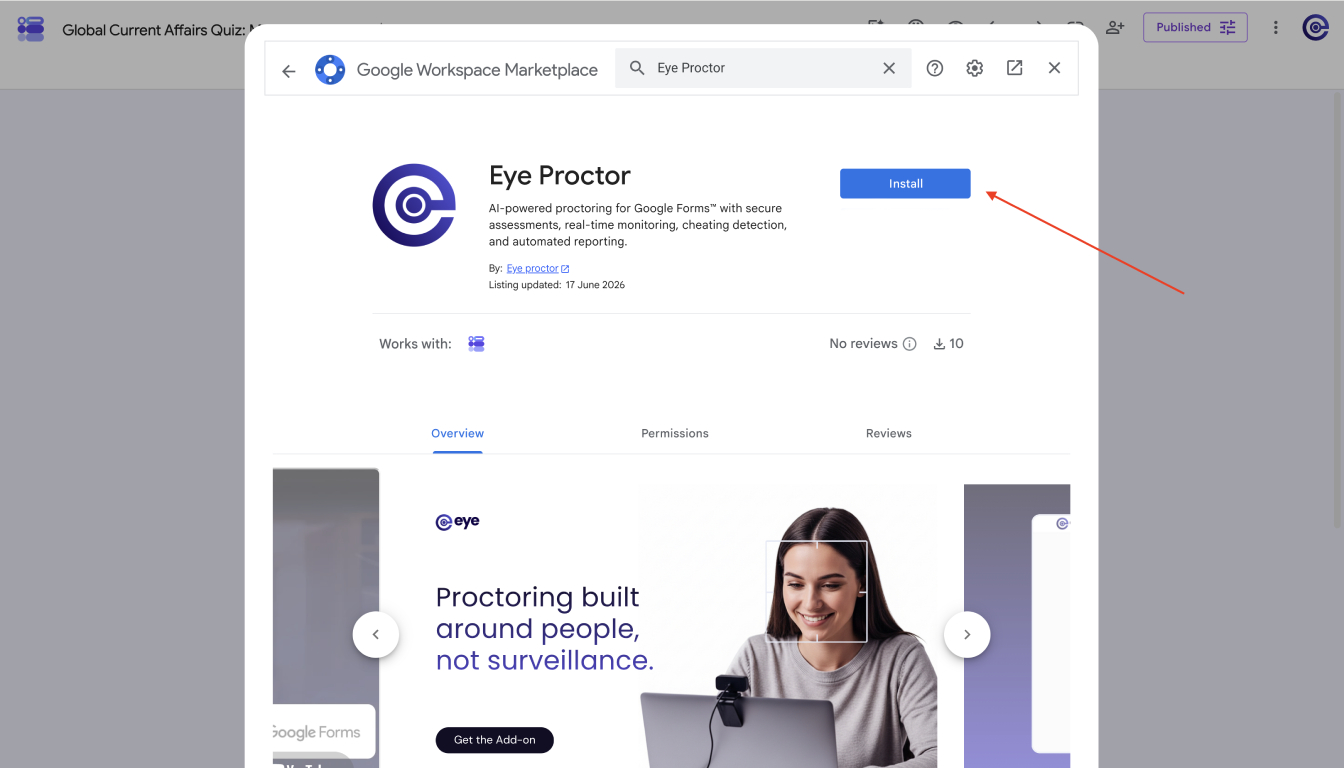
Install the Eye Google Forms Add-on
Install the Eye Add-on directly from the Google Workspace Marketplace.
Once installed, open your Google Form and launch the Eye sidebar to configure your assessment.
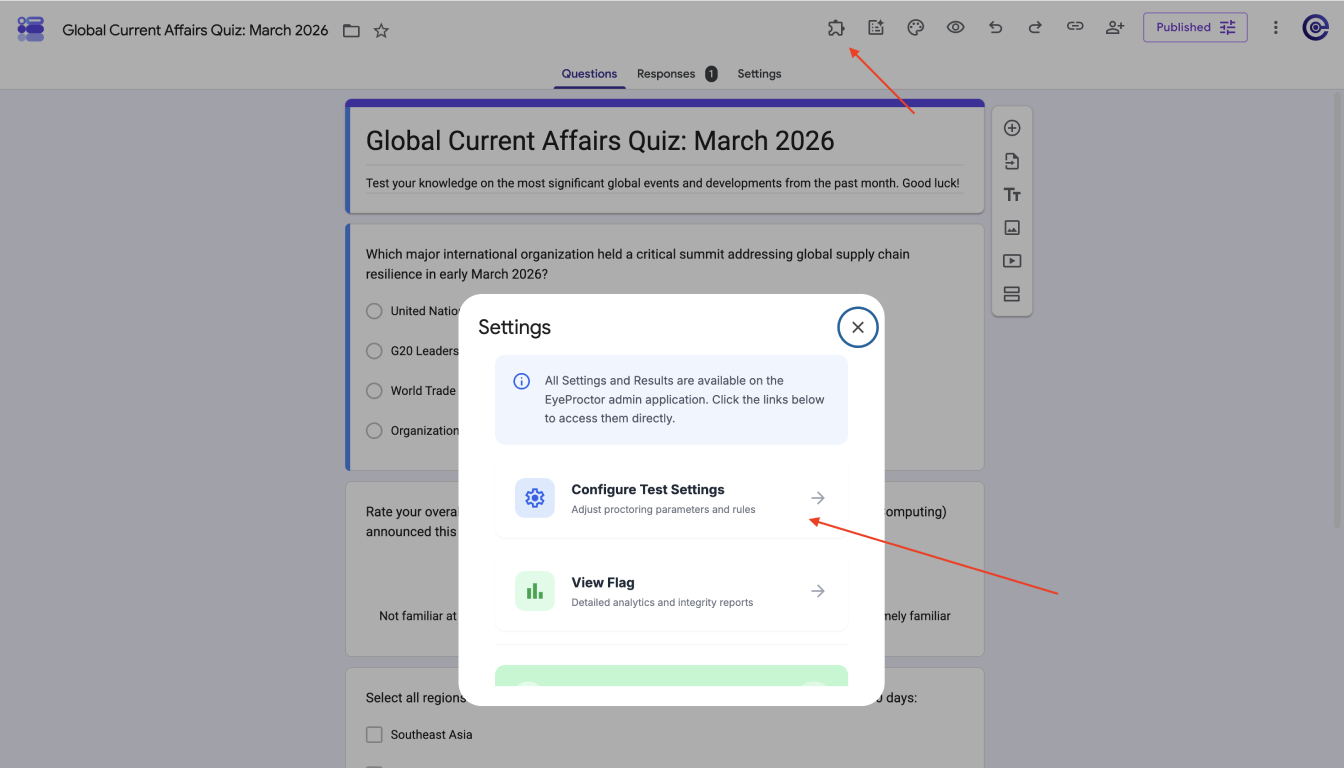
Configure Your Proctoring Settings
Choose the monitoring options that fit your assessment requirements.
Set up your assessment, enable AI proctoring, and generate a secure assessment experience for your candidates.
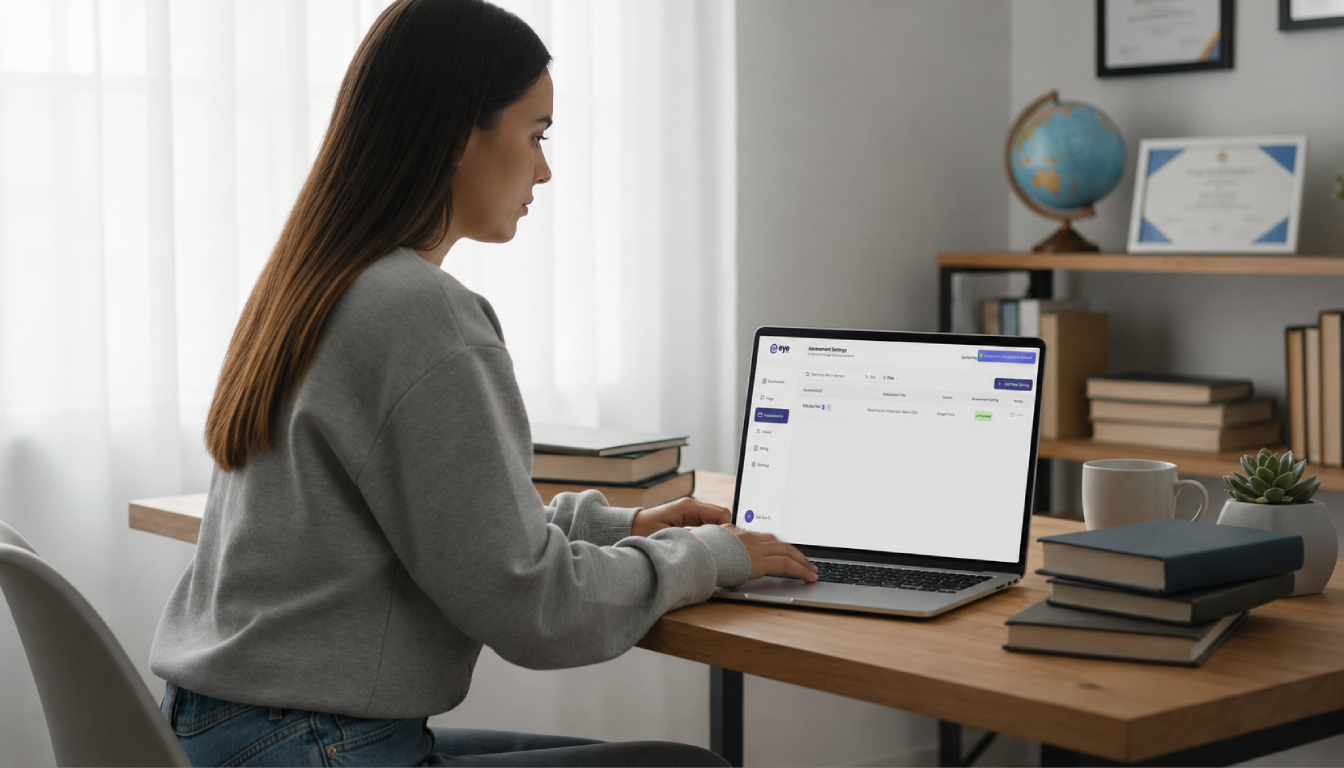
Share Your Assessment
Distribute your assessment link to candidates.
Candidates complete the assessment while Eye monitors the session and records relevant events for later review.
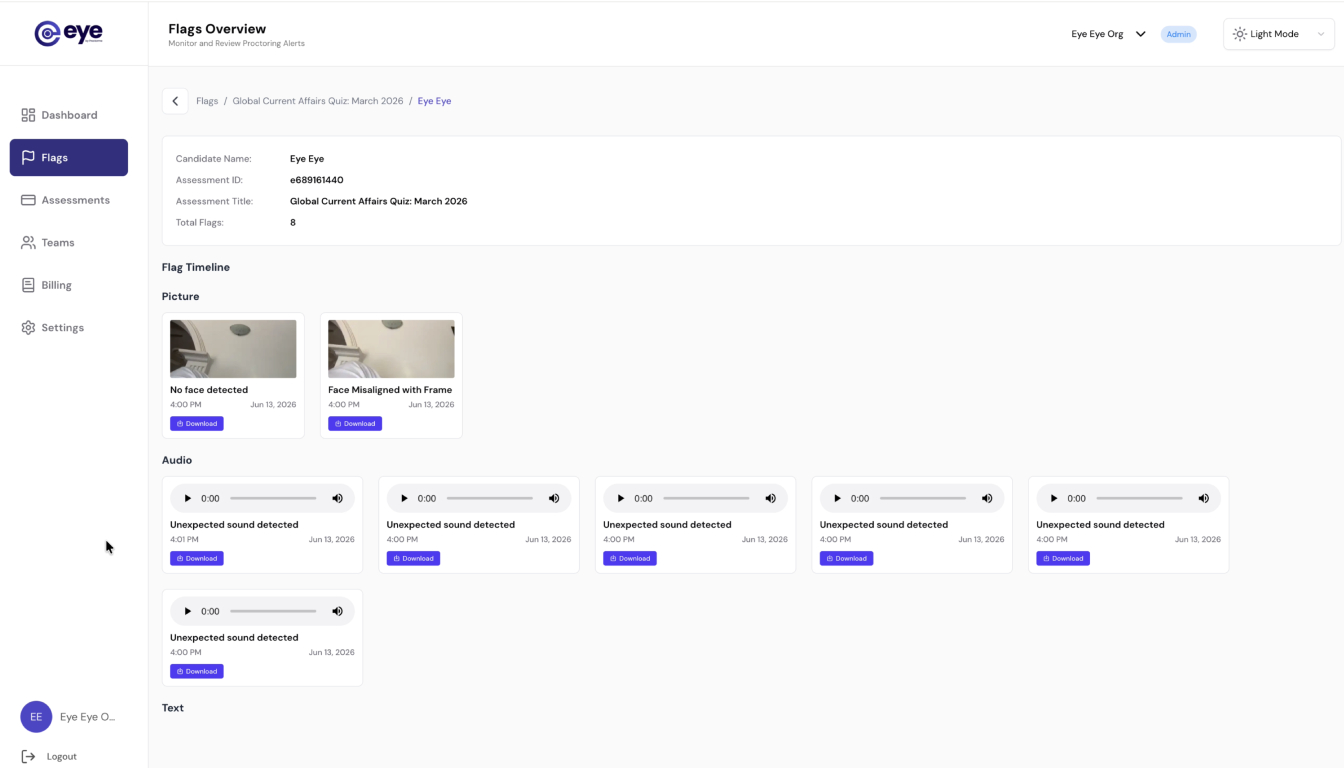
Review Results
Once the assessment is complete, review submissions alongside AI-generated event reports from your Eye dashboard.
This allows administrators to make informed decisions using transparent evidence rather than automated judgments.
Perfect For
Universities & Higher Education
Conduct secure online examinations while continuing to use Google Forms as your assessment platform.
Schools & Colleges
Reduce opportunities for academic misconduct without introducing complicated software.
Corporate Training
Verify employee assessments, compliance training, and internal certification programs.
Recruitment & Skills Testing
Assess candidates remotely using Google Forms while adding an additional layer of exam integrity.
Why Institutions Choose Eye
Everything you need to run secure Google Forms assessments — nothing you don't.
Frequently Asked Questions
No. Eye works alongside Google Forms, allowing you to continue creating quizzes exactly as you do today while adding secure AI-powered proctoring capabilities.